Teljes útmutató a kétfaktoros hitelesítéshez (2FA)
Még a legerősebb jelszó sem elég, ha egy támadó adatvédelmi incidens, adathalászat vagy keylogger révén jut hozzá. A A kéttényezős hitelesítés (2FA) egy második védelmi réteget ad hozzá, amely szinte lehetetlenné teszi az illetéktelen hozzáférést – még akkor is, ha a jelszava sérül.
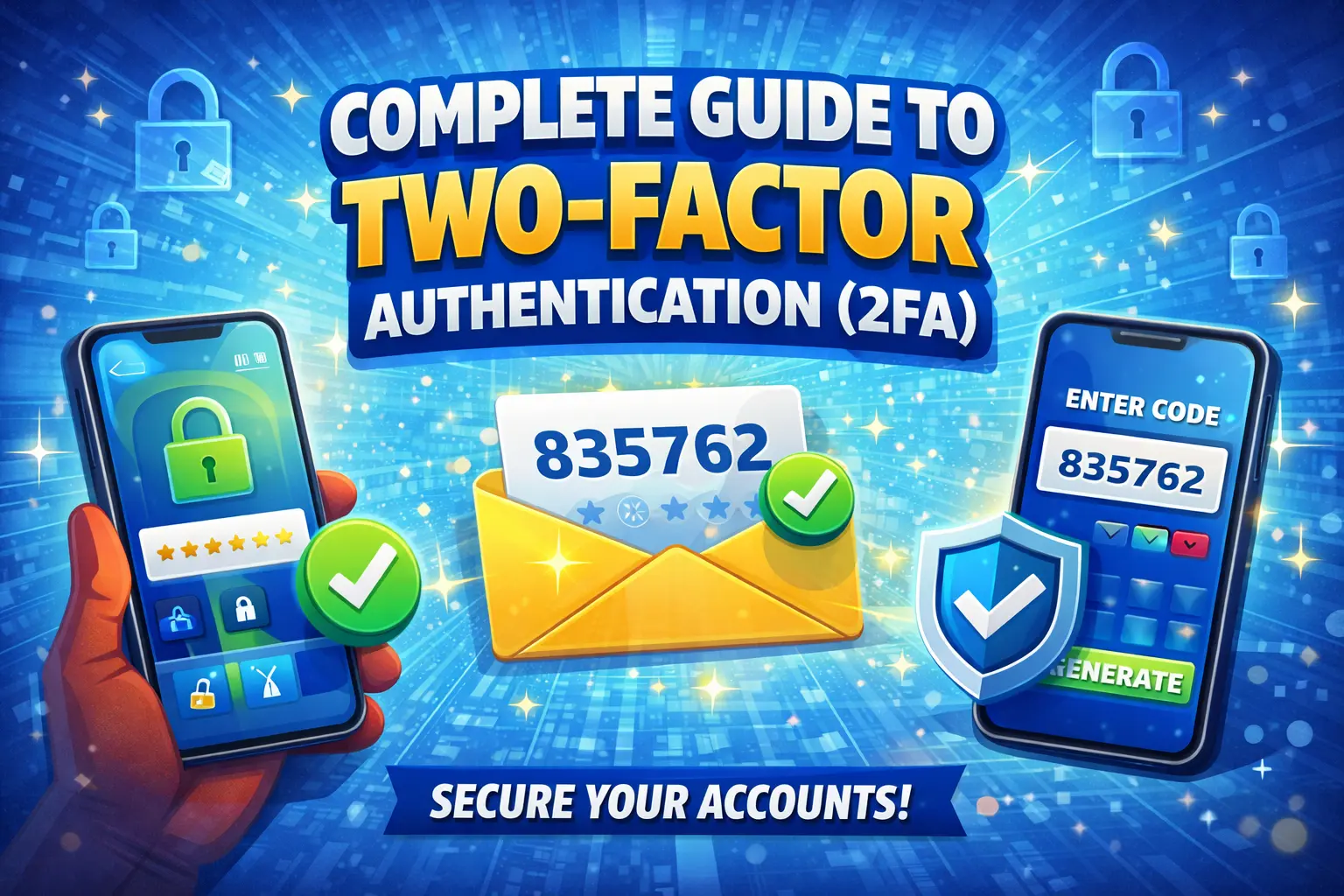
A 2FA működése
A kéttényezős hitelesítés két különböző típusú ellenőrzést igényel:
- Valami, amit tud — Az Ön jelszava vagy PIN-kódja
- Valami, ami nálad van — Telefonja, biztonsági kulcsa vagy hitelesítő alkalmazása
- Valami, ami te vagy — Ujjlenyomat, arcszkennelés vagy egyéb biometrikus adatok
E két tényező kombinációjával fiókja védett marad, még ha az egyiket is feltörték.
2FA-módszerek összehasonlítása
| Módszer | Biztonság | Kényelem | [[
|---|---|---|
| Hardverkulcs (YubiKey) | ★★★★★ | [[ ★★★☆☆25-70 $ |
| Authenticator Alkalmazás | ★★★★☆ | [[[PGTO K78★★★★☆Ingyenes |
| Nyomja Értesítés | ★★★★☆ | [[Ingyenes |
| SMS Kód | ★★☆☆☆ | [[ 102★★★★★Ingyenes |
| E-mail Kód | ★★☆☆☆ | [[[PGTO K114★★★★☆Ingyenes |
Miért kockázatos az SMS 2FA?
Bár az SMS-alapú 2FA jobb a semminél, ismertek a sebezhetőségei:
- SIM-csere – A támadók meggyőzik a szolgáltatót, hogy vigye át a számát a SIM-kártyájukra
- SS7 támadások — A távközlési protokoll sebezhetőségeinek kihasználása SMS-üzenetek lehallgatására
- Social engineering – A támogató személyzet átirányítása az üzenetek átirányítására
Javaslat: Elsődleges 2FA módszerként használjon hitelesítő alkalmazást (Google Authenticator, Authy vagy Microsoft Authenticator). Foglaljon SMS-t csak biztonsági másolatként.
A 2FA beállítása
Google Fiók
- Nyissa meg a myaccount.google.com → Biztonság
- Kattintson a "Kétlépcsős azonosítás" → Kezdő lépések lehetőségre
- Válassza ki a módszert (hitelesítő alkalmazás ajánlott)
- Olvassa be a QR-kódot a hitelesítő alkalmazással
- Adja meg az ellenőrző kódot, és mentse el a biztonsági kódokat
Apple ID
- Beállítások → [Az Ön neve] → Bejelentkezés és biztonság
- Kéttényezős hitelesítés bekapcsolása
- Igazolja megbízható telefonszámát
- Kövesse a képernyőn megjelenő utasításokat
Microsoft-fiók
- Nyissa meg az account.microsoft.com → Biztonság
- Kattintson a "Speciális biztonsági beállítások"
- A „Kétlépcsős azonosítás” alatt kattintson a „Bekapcsolás” lehetőségre
- Kövesse a telepítő varázslót
Biztonsági kódok: Az Ön biztonsági hálója
A 2FA beállításakor a legtöbb szolgáltatás tartalék kódokat biztosít – egyszer használatos kódokat, amelyek segítségével hozzáférhet fiókjához, ha elveszíti 2FA-eszközét. Mindig:
- Mentsd el a biztonsági kódokat egy biztonságos helyre (nem a telefonodra)
- Fontolja meg a kinyomtatásukat és biztonságos helyen való tárolását
- Soha ne ossza meg senkivel a biztonsági kódokat
- Időszakos új kódok generálása
Gyakran Ismételt Kérdések
Mi az a kétfaktoros hitelesítés?
AA kéttényezős hitelesítés (2FA) egy biztonsági módszer, amely két különböző igazolási formát igényel a fiók eléréséhez: valamit, amit ismer (jelszó) és valamit, amivel rendelkezik (telefon, biztonsági kulcs), vagy olyasmit, amilyen Ön (ujjlenyomat).
Melyik 2FA módszer a legbiztonságosabb?
A hardveres biztonsági kulcsok (például a YubiKey) a legbiztonságosabb 2FA módszer, ezt követik a hitelesítő alkalmazások. Az SMS-alapú 2FA a legkevésbé biztonságos lehetőség, de még mindig lényegesen jobb, mint a 2FA hiánya.
Mi történik, ha elveszítem a 2FA-eszközöm?
A legtöbb szolgáltatás biztonsági kódot biztosít a 2FA beállítás során. Ezeket biztonságosan tárolja. A hozzáférést általában az ügyfélszolgálaton keresztül is helyreállíthatja személyazonosság-ellenőrzéssel, vagy használhat egy, az Ön által konfigurált tartalék 2FA módszert.
Kapcsolódó eszközök
- Jelszógenerátor – Hozzon létre erős jelszavakat a 2FA-val való párosításhoz
- QR-kód generátor — QR-kódok generálása a hitelesítő alkalmazás beállításához
- PIN-generátor — Biztonságos PIN-kódok generálása eszközei számára