Spiegazione dei pericoli del Wi-Fi pubblico: metodi di attacco e difese reali
Risposta rapida: Il Wi-Fi pubblico può esporre le sessioni a hotspot gemelli malvagi, sniffing e dirottamento. Evita accessi sensibili a meno che non utilizzi dati mobili attendibili o una VPN configurata correttamente.
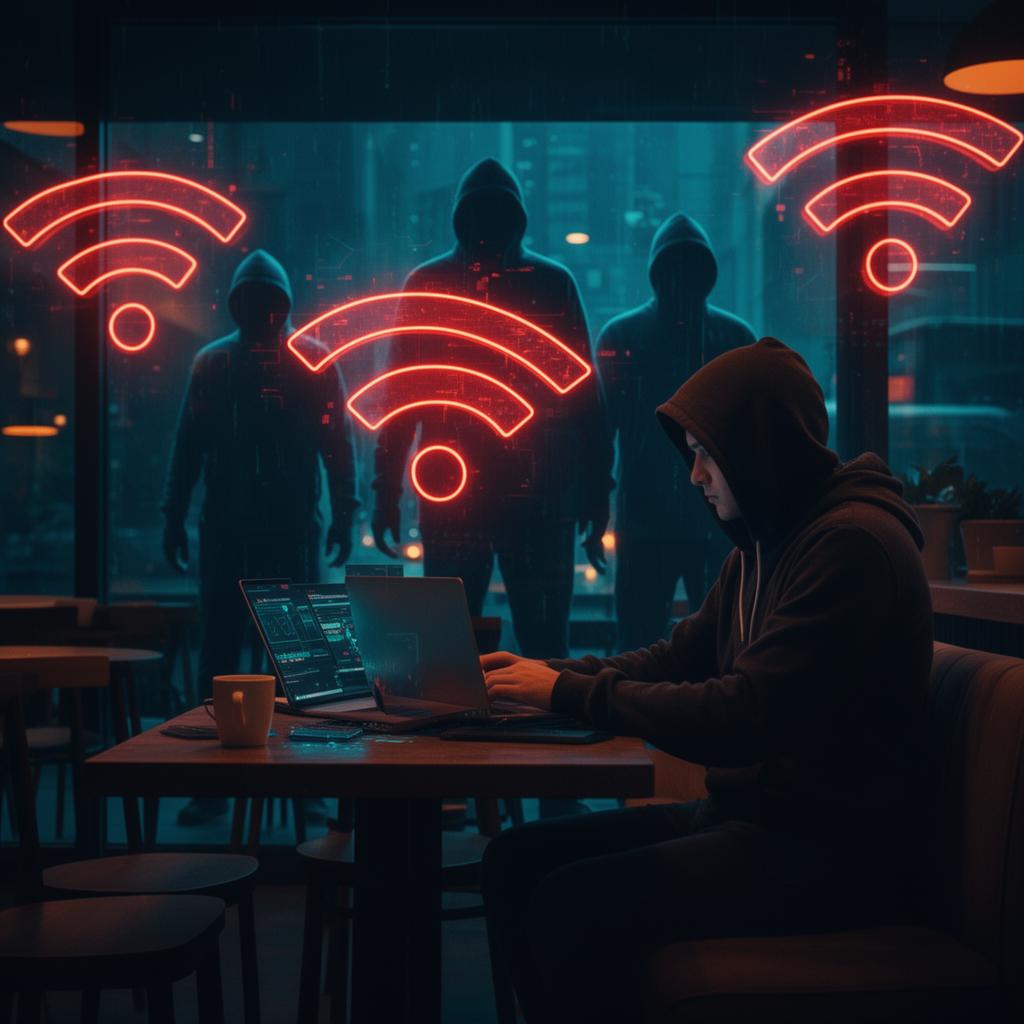
Ti siedi nel tuo bar preferito, ti connetti a "CoffeeShop_Free_WiFi" e apri il tuo laptop. Quello che non vedi: qualcuno al tavolo accanto sta eseguendo un attacco man-in-the-middle su ogni dispositivo connesso a quella rete. Ecco esattamente cosa può succedere e come proteggersi.
I rischi reali: cosa possono fare gli hacker
| Attacco | Che cosa è Fa | __DifficoltàIl tuo rischio | |
|---|---|---|---|
| Malvagio Twin__ | Wi-Fi falso con lo stesso nome di quello vero | Easy | 🔴 Alto |
| Packet Sniffing | Cattura dati non crittografati su rete | Facile | 🟡 Medio (HTTPS aiuta) |
| SSL Rimozione | Declassa HTTPS a HTTP | Medio | 🔴 Alto |
| Dirottamento della sessione | Ruba la sessione di accesso cookies | Medio | 🔴 Alto |
| DNS Spoofing | Reindirizza a siti Web falsi | Medium | 🔴 Alto | __
| ARP Avvelenamento | Intercetta tutto il traffico su rete | Difficile | 🔴 Alto |
Come funziona un attacco gemello malvagio
Questo è l'attacco Wi-Fi dei bar più comune. Ecco la procedura dettagliata:
- Hacker porta un laptop con un adattatore Wi-Fi al bar
- Crea un hotspot con lo stesso nome del Wi-Fi del bar (ad esempio, "Starbucks WiFi")
- Aumenta la potenza del segnale in modo che i dispositivi si connettano automaticamente alla rete falsa
- Tutto il traffico ora scorre attraverso il dispositivo dell'hacker
- L'hacker registra le credenziali, inserisce malware o reindirizza a pagine di phishing
La parte spaventosa: il tuo dispositivo potrebbe connettersi automaticamente al gemello malvagio se ti sei già connesso a quel nome di rete.
Cosa è effettivamente sicuro (e cosa non lo è)
✅ Relativamente sicuro in pubblico Wi-Fi
- Navigazione in siti solo HTTPS (cerca il lucchetto)
- Utilizzo di app con blocco di certificato (la maggior parte delle app bancarie)
- Lettura di notizie o contenuti pubblici
❌ Pericoloso sulla rete Wi-Fi pubblica
- Accesso agli account senza 2FA
- Inserimento dei numeri di carta di credito
- Accesso ai sistemi di lavoro senza VPN
- Condivisione file o AirDrop
- Connessione automatica a reti aperte
🛡️ Checklist di sicurezza Wi-Fi pubblica
Prima di connetterti:
- ☐ Chiedi allo staff il nome esatto del Wi-Fi
- ☐ Disabilita la connessione automatica per le reti aperte
- ☐ Disattiva la condivisione file e AirDrop
- ☐ Abilita la tua VPN prima di aprire qualsiasi app
Mentre sei connesso:
- ☐ Verifica HTTPS su ogni sito (icona del lucchetto)
- ☐ Non accedere ad account sensibili (bancari, email)
- ☐ Non inserire informazioni di pagamento
- ☐ Controlla gli avvisi sui certificati: non ignorarli mai
Dopo la disconnessione:
- ☐ "Dimentica" la rete sul tuo dispositivo
- ☐ Controlla le notifiche di accesso sconosciute
- ☐ Valuta la possibilità di modificare le password utilizzate durante la sessione
VPN: il tuo meglio Defense
Una VPN (Virtual Private Network) crittografa tutto il traffico tra il tuo dispositivo e il server VPN. Anche su una rete compromessa, gli aggressori vedono solo dati crittografati. Principali funzionalità VPN da cercare:
- Kill switch: blocca tutto il traffico se la VPN si interrompe
- Connessione automatica su reti non attendibili: attiva la VPN quando si accede a reti pubbliche Wi-Fi
- Politica di non registrazione: il provider VPN non memorizza i tuoi dati di navigazione
- Protocollo WireGuard o IKEv2: più veloce e più sicuro dei precedenti protocolli
Incidenti nel mondo reale
- 2024 — Truffa Wi-Fi aeroportuale (Australia): un uomo è stato arrestato per aver eseguito attacchi gemelli malvagi in più aeroporti, catturando credenziali di centinaia di passeggeri
- 2023 — Violazione della catena di hotel: aggressori hanno compromesso i router Wi-Fi degli hotel per reindirizzare gli ospiti a portali di accesso falsi, rubando credenziali e-mail aziendali
- 2025 — Catena di caffè MITM: i ricercatori di hanno dimostrato che il 23% delle reti Wi-Fi dei bar nelle principali città degli Stati Uniti non prevedeva isolamento tra i client
Dati mobili e Wi-Fi pubblico
In caso di dubbi, utilizza i dati mobili del tuo telefono. Le connessioni cellulari sono molto più difficili da intercettare rispetto al Wi-Fi perché utilizzano l'autenticazione basata su SIM e la crittografia a livello di operatore. Per attività sensibili, i dati mobili o un hotspot personale sono sempre più sicuri.
FAQ
Gli hacker possono vedere cosa faccio sul Wi-Fi pubblico?
Su reti non crittografate, gli hacker possono intercettare il traffico non crittografato utilizzando lo sniffing dei pacchetti. HTTPS protegge i contenuti ma non i siti visitati. Una VPN crittografa tutto.
È sicuro utilizzare le app bancarie sul Wi-Fi pubblico?
Le app bancarie utilizzano connessioni crittografate (HTTPS/TLS), ma il Wi-Fi pubblico aggiunge rischi a causa di attacchi gemelli malvagi e stripping SSL. Utilizza i dati mobili o una VPN per le operazioni bancarie.
Che cos'è un attacco Wi-Fi twin malvagio?
Un attacco twin malvagio coinvolge un hacker che crea un hotspot Wi-Fi con lo stesso nome di una rete legittima. Quando ti connetti, tutto il tuo traffico passa attraverso il dispositivo dell'utente malintenzionato.
Strumenti e articoli correlati
- Generatore di password: crea password complesse per ogni account
- Come proteggere la tua rete Wi-Fi domestica — proteggi la tua rete domestica
- 2FA Guide — aggiungi un ulteriore livello di sicurezza
- Quiz sulla sicurezza online: metti alla prova le tue conoscenze generali sulla sicurezza