Password Manager vs Password Generator: Mi a különbség?
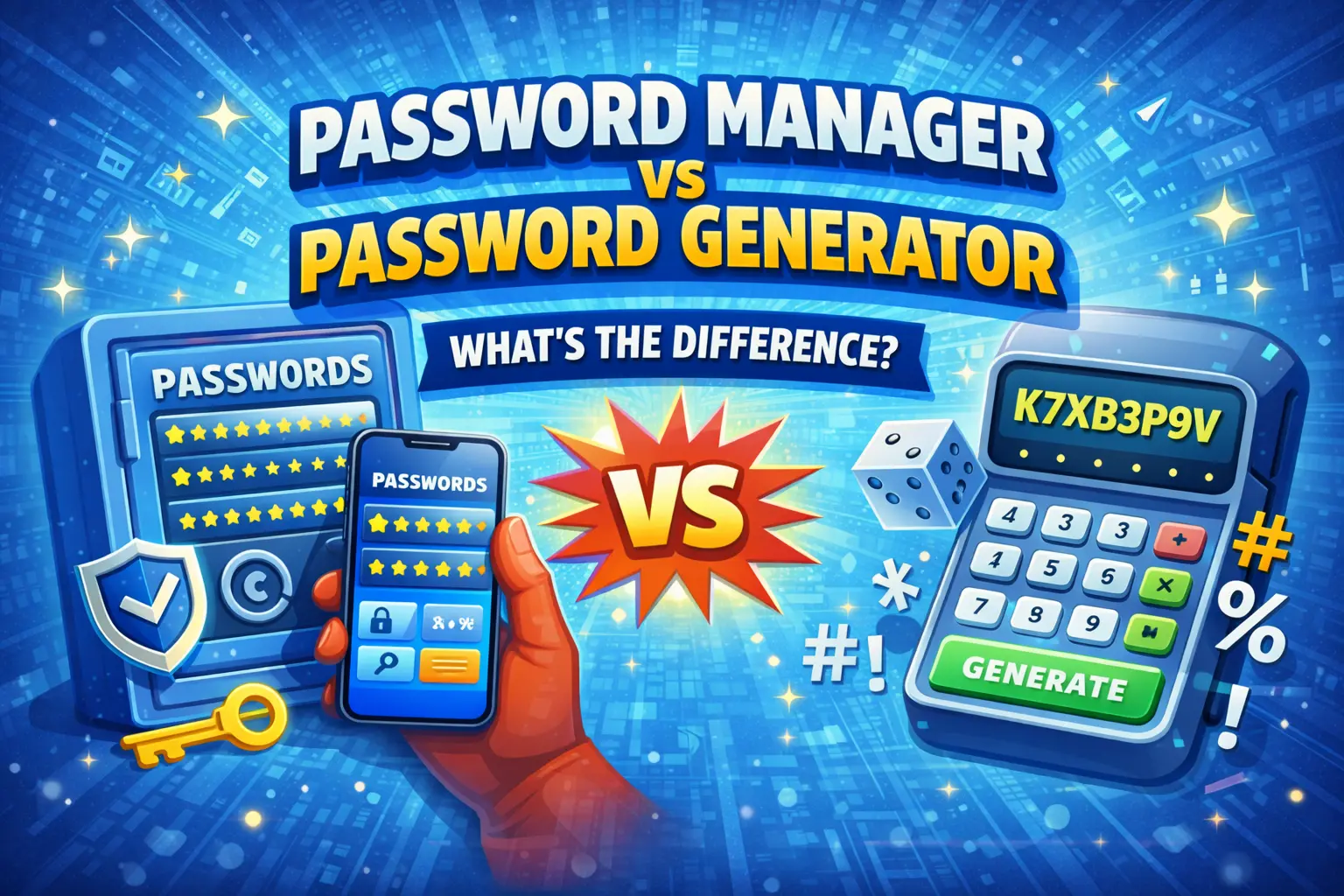
Ha a jelszóbiztonságról van szó, két eszköz uralja a beszélgetést: a jelszókezelők és a jelszógenerátorok. Bár gyakran együtt emlegetik őket, alapvetően eltérő célokat szolgálnak. Egy szilárd biztonsági stratégia felépítéséhez kulcsfontosságú annak megértése, hogy ezek hogyan egészítik ki egymást.
Mi az a jelszógenerátor?
Egy jelszógenerátor véletlenszerű, erős jelszavakat hoz létre kriptográfiai algoritmusok segítségével. Ez egy létrehozó eszköz – feladata olyan jelszavak előállítása, amelyeket az emberek soha nem tudnának kitalálni maguktól.
- Véletlenszerű karakterláncokat hoz létre kriptográfiai véletlenszerűséggel (CSPRNG)
- Lehetővé teszi a hossz, a karaktertípusok és a formátum testreszabását
- Fut a böngészőjében – nincs adat tárolása vagy továbbítása
- Minden alkalommal új jelszót állít elő, amikor a „Létrehozás” gombra kattint
Mi az a jelszókezelő?
AA jelszókezelő egy biztonságos tároló, amely tárolja, rendszerezi és automatikusan kitölti jelszavait. Ez egy tárolási és kényelmi eszköz.
- Titkosítja és tárolja az összes jelszavát egyetlen biztonságos tárolóban
- Automatikusan kitölti a bejelentkezési űrlapokat webhelyeken és alkalmazásokban
- Szinkronizálás az eszközök között (telefon, laptop, táblagép)
- Általában tartalmaz egy beépített jelszógenerátort
- Figyelmeztetés gyenge, újrafelhasznált vagy feltört jelszavakra
A legfontosabb különbségek
| Funkció | Jelszógenerátor | Jelszókezelő | [[
|---|---|---|
| Elsődleges funkció | Jelszavak létrehozása | Store & auto-fill jelszavak |
| Adattárolás | Nincs (állam nélküli) | Titkosított trezor |
| Adatvédelem | 100%-os helyi | felhő-szinkronizálás (titkosított) |
| Költség | Ingyenes | [[ 5 USD/hó|
| Testreszabás | Magas (hossz, típusok, formátum) | Alap |
| Eszközökön átnyúló | Bármely böngésző | Dedikált alkalmazások[[] |
Miért van szüksége mindkettőre?[
Az ideális biztonsági munkafolyamat a két eszközt egyesíti:
- Erős, egyedi jelszó létrehozása dedikált generátor segítségével, teljes testreszabással
- Tárolja a jelszókezelőben az egyszerű eléréshez és az automatikus kitöltéshez
- Soha ne jegyezze meg vagy használja fel újra a jelszavakat több fiókban
A legjobb stratégia: Használjon önálló jelszógenerátort, például a PassGen-t a maximális ellenőrzés és a magánélet védelme érdekében a jelszavak létrehozásakor, majd tárolja azokat a kívánt jelszókezelőben. Így mindkét világból a legjobbat hozza ki – erős generálás nulla adatexpozícióval, valamint kényelmes tárolás.
Mikor használjunk önálló generátort
Míg a legtöbb jelszókezelő tartalmaz beépített generátort, az önálló generátorok, mint például a PassGen, a következő előnyöket kínálják:
- Nagyobb testreszabhatóság — További lehetőségek a hosszra, karaktertípusokra, elválasztókra és formátumokra vonatkozóan
- Zéró bizalom — Semmi sem tárolódik, nem kerül továbbításra, nincs naplózás
- Olvasható jelszavak — Megjegyezhető jelszavak létrehozása, ha manuálisan kell begépelnie őket
- Nincs szükség fiókra — Azonnali használat, regisztráció nélkül
- Szilárdsági elemzés — Részletes szilárdsági mutatók, amelyek a becsült repedési időket mutatják
Népszerű jelszókezelők
Ha még nem rendelkezik jelszókezelővel, itt vannak jó hírű lehetőségek:
- Bitwarden – Nyílt forráskódú, ingyenes szint elérhető, kiváló biztonsági előélet
- 1 jelszó — Prémium UX, erős családi/csapatfunkciók
- KeePass — Teljesen offline, nyílt forráskódú, maximális vezérlés
- Apple Keychain / Google Password Manager — Beépített, kényelmes, egyetlen ökoszisztémát használó felhasználók számára
Gyakran Ismételt Kérdések
Szükségem van jelszókezelőre és jelszógenerátorra is?
Ideális esetben igen. A jelszógenerátor erős, véletlenszerű jelszavakat hoz létre, míg a jelszókezelő tárolja és automatikusan kitölti azokat. A legtöbb jelszókezelő tartalmaz beépített generátort, de az önálló generátorok több testreszabást tesznek lehetővé, és tárolás nélkül működnek.
Biztonságosak a jelszókezelők?
A jó hírű jelszókezelők erős titkosítást (AES-256) és zéró tudású architektúrát használnak, ami azt jelenti, hogy még a vállalat sem láthatja jelszavait. Ezek lényegesen biztonságosabbak, mint a jelszavak újrafelhasználása vagy lejegyzése.
Használhatok jelszógenerátort jelszókezelő nélkül?
Igen, használhat önálló jelszógenerátort, és más módszerrel tárolhatja a jelszavakat. Ha azonban több tucat egyedi jelszót szeretne kezelni az összes fiókjában, erősen ajánlott a jelszókezelő használata.
Kapcsolódó eszközök
- Ingyenes jelszógenerátor – Hozzon létre erős, testreszabható jelszavakat
- PIN-generátor — Biztonságos numerikus kódok generálása
- QR-kód generátor — A hitelesítő adatok biztonságos megosztása